Live polling for facilitators
Anonymous polling for workshops that helps more people take part
In a workshop, the people who speak first or most confidently can shape the conversation. PollSpark gives everyone a simple way to respond through their own browser before the discussion moves on.
Participants join with a six-character code or QR code. They do not need an app or PollSpark account.
Hear from the room before discussion
Give everyone the same first chance to respond
Collecting a response before asking people to speak can broaden the starting point. It does not remove bias or power differences, but it can make contributing easier for people who would rather not speak first.
Start with an individual response
Ask everyone to respond before opening the discussion. This gives quieter participants the same first opportunity to contribute as the people who are quickest to speak.
Look for what needs attention
Use the combined result to spot repeated language, a split in the room or an option that needs more discussion. The result is a prompt for the group, not a decision made for them.
Choose the next conversation
Prioritise prepared options or ask a focused follow-up. The facilitator keeps control of how the result is interpreted and what happens next.
Collect ideas and themes
Use a Word Cloud for short themes, or Open Text for fuller answers
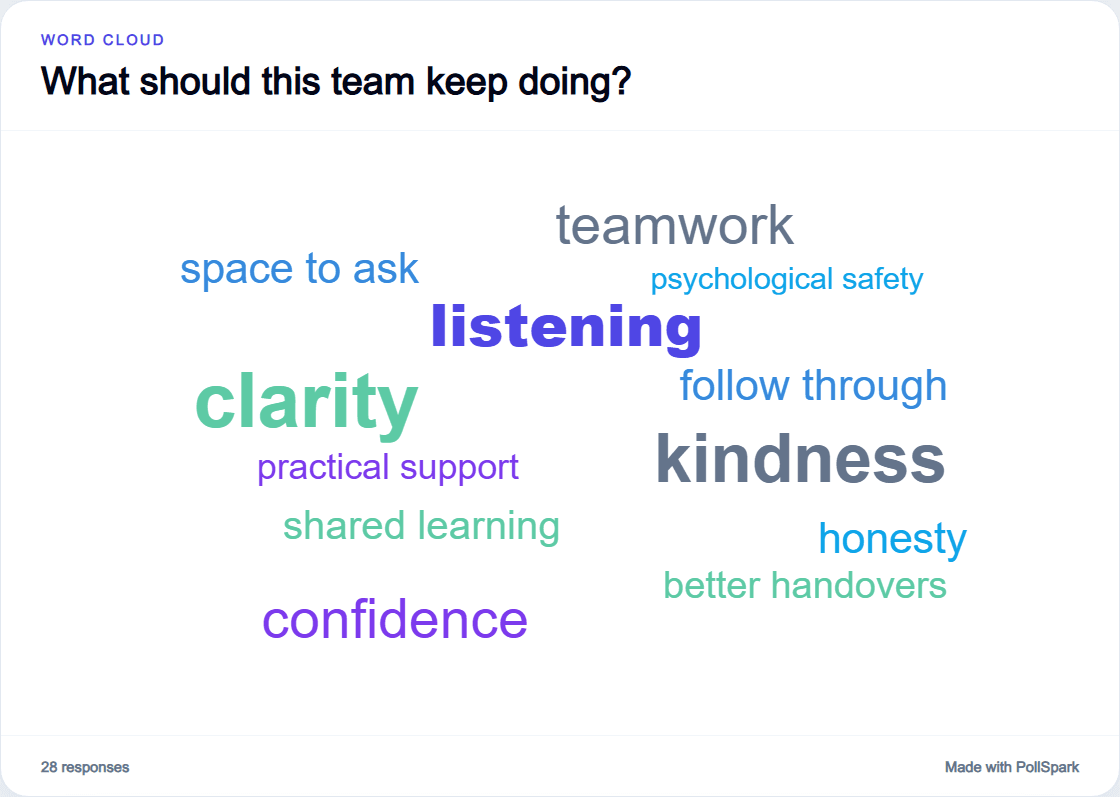
A Word Cloud accepts one word or a short phrase of up to 25 characters. Repeated wording appears more prominently, which can give a workshop a quick visual starting point.
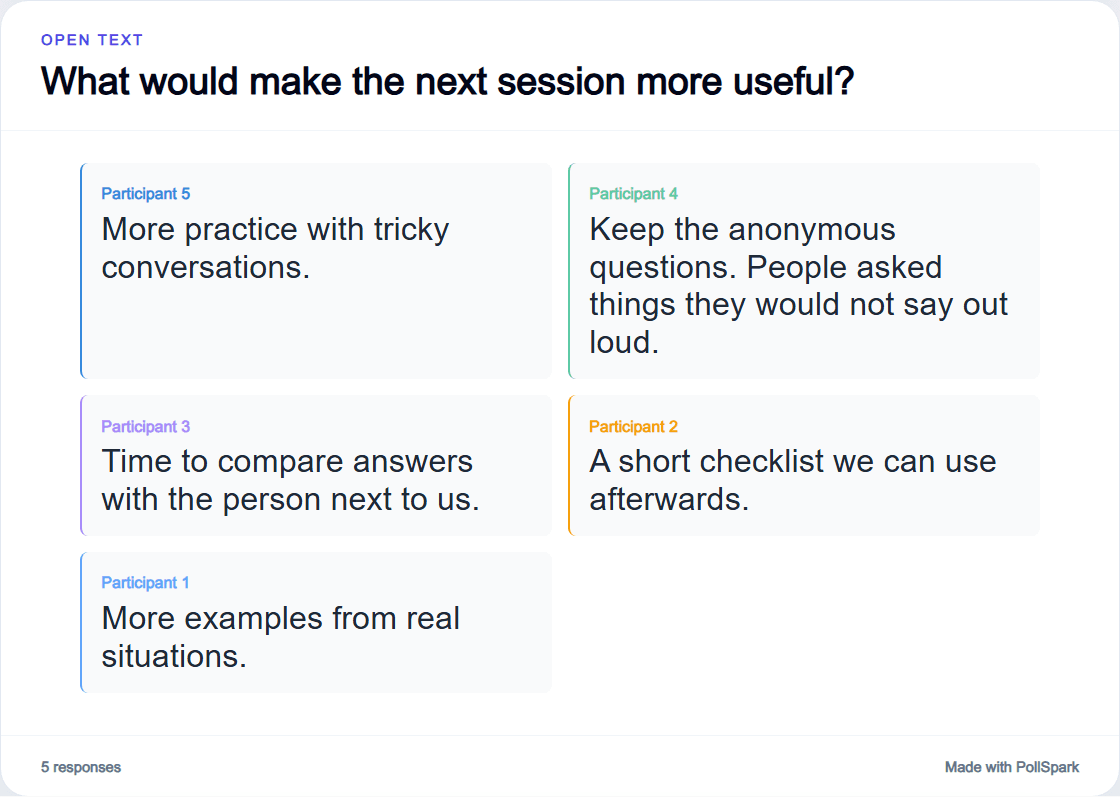
Open Text accepts answers of up to 280 characters and keeps each response in the participant's own words. It is the better fit when context and detail matter.
PollSpark groups simple capitalisation, spacing and punctuation differences in a Word Cloud. It does not merge similar meanings, cluster ideas or analyse themes with AI.
Prioritise prepared options
Ranking and Dot Vote answer different workshop questions
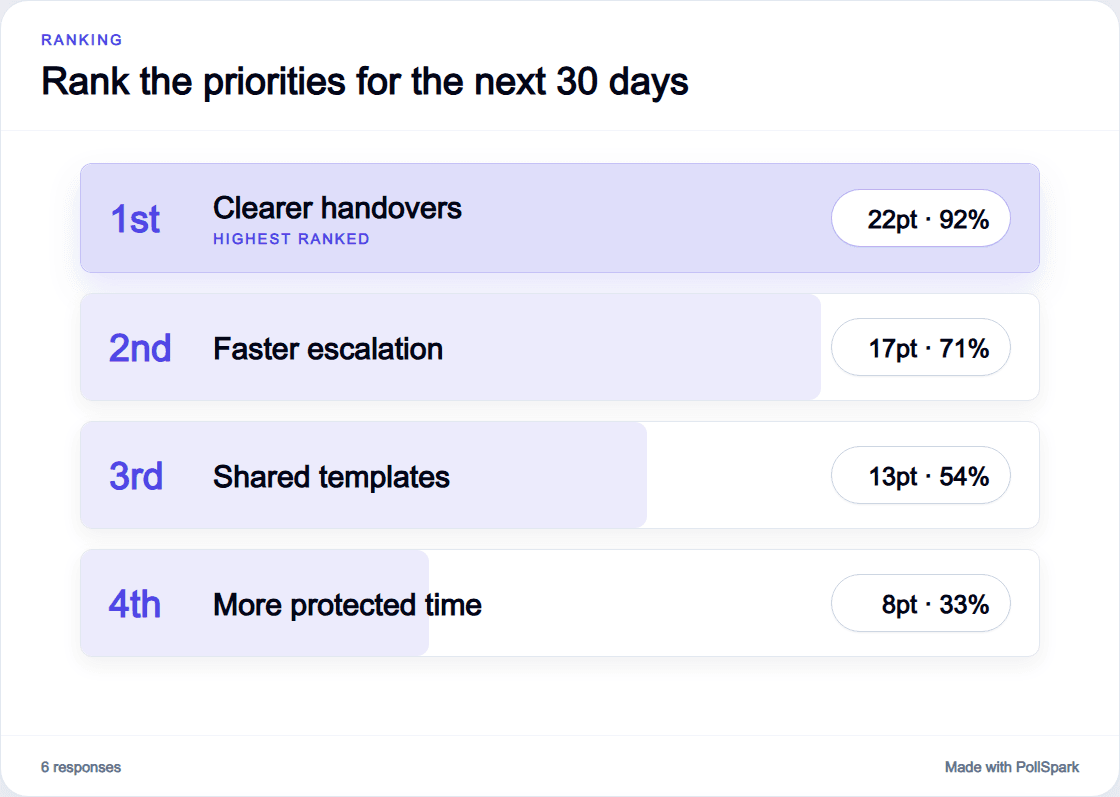
Ranking asks each participant to put every prepared option in order. It is useful when the relative position of the whole list matters.
Dot Vote gives each participant an allowance of 1, 2, 3 or 5 dots. People can spread their dots across the prepared options or place more than one on the same option.
Both work with options the facilitator has already added. PollSpark is not a sticky-note board, collaborative canvas or freeform clustering tool.
Compare Ranking and Dot Vote before choosing the format for your workshop.
Use anonymous mode carefully
Make contribution easier without promising complete anonymity
Anonymous mode is available on every plan. The presenter can switch it on or off before the first accepted response, then the setting locks for that session. In Anonymous mode, PollSpark does not collect or display participant names with new responses.
PollSpark still recognises a returning browser to help prevent repeat answers and processes limited technical data for security and service operation. Anonymous participation can make it easier to contribute, but it cannot guarantee candour or remove the dynamics in a room.
In person or remote
Join through the browser, wherever the workshop happens
In the room, display the presenter view while participants answer on their own phones, tablets or computers. For a remote workshop, share that presenter view through your usual screen-sharing setup and let people answer in a separate browser window.
PollSpark does not need a native meeting-platform integration. Participants only need internet access, a supported browser and the join code or QR code.
See how live polling worksWorkshop question types
Choose a format for the conversation you need
These six formats cover common workshop moments without turning every discussion into a poll. PollSpark has eleven question types in total, with moderated Q&A available separately in Live sessions.
Word Cloud
Collect one word or a short phrase, then show repeated responses more prominently. Useful for first reactions and shared language.
Open Text
Give people up to 280 characters when the wording and detail of each response matter more than a compact visual summary.
Ranking
Ask every participant to put all the prepared options in order when you need a complete view of relative priorities.
Dot Vote
Give each participant a limited number of dots to spread or stack across prepared options when support can be concentrated.
Multiple Choice
Offer two to twelve choices when one clear selection from a prepared list is enough to move the discussion forward.
Mood Check-in
Use the fixed five-mood scale when a simple view of how the room feels is relevant to the workshop moment.
Turn responses into discussion
Use the result to decide what the room should explore next
A result can help a facilitator choose what to discuss, surface disagreement, identify repeated language or prioritise the next topic. It can also bring in views from people who have not spoken aloud.
PollSpark shows the responses and combined result. It does not decide for the group or automatically interpret what the result means. Consider who responded, how the question was framed and what other evidence is available.
Keep a record when you need one
Download a PDF after a session. Free PDF exports include a PollSpark watermark, while paid plans provide clean PDF exports. CSV export is available on paid plans.
The Free plan can support appropriate workshop use within its current participant-slot limits. Paid plans add higher limits and other features, while Teams plans support shared presenter access.
Ready for your next workshop?
Start with one question the whole room can answer
Create your poll, share the code or QR code and use the result to open the discussion.